A long-awaited Num Lock solution for Mac
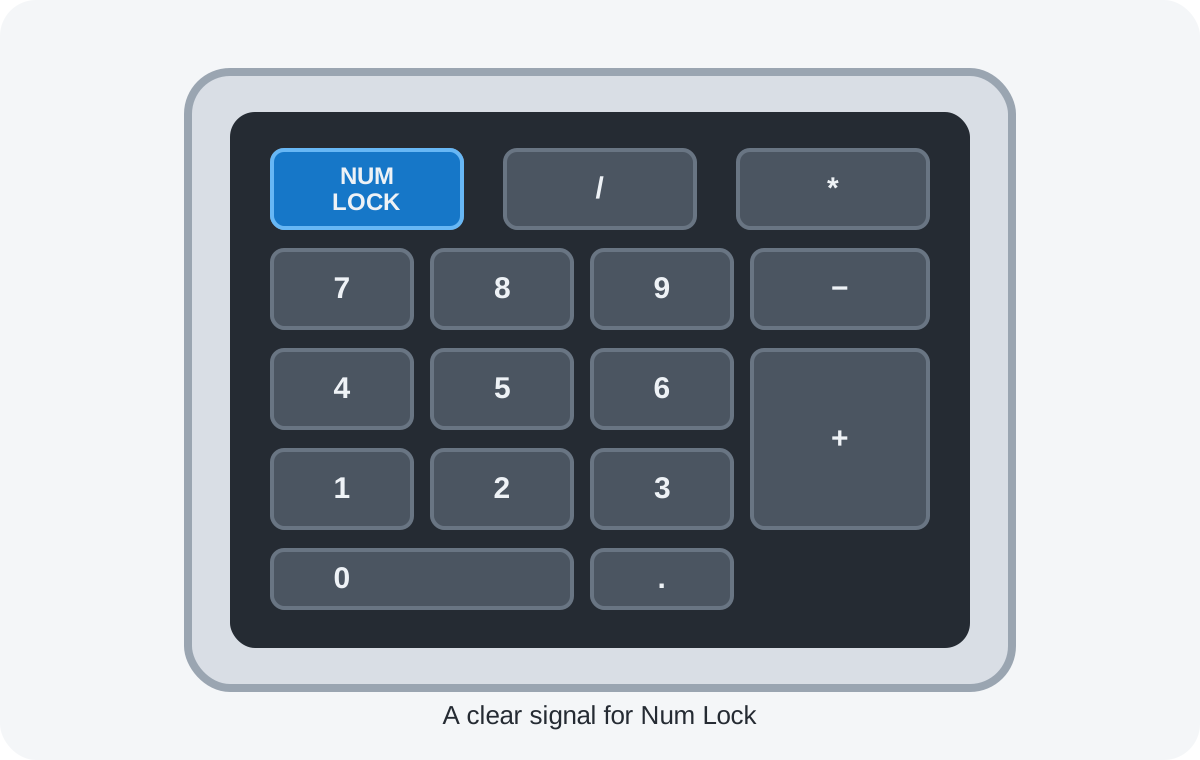
I bought a Mac mini in the OpenClaw fervor, but when I connected my brand-new Cherry keyboard to it, the keyboard appeared broken: the Num Lock LED did not light up, and even worse, I could only use the number pad to type numbers.
I am so used to switching Num Lock on and off to type numbers or use the arrow keys. Yes, there are dedicated arrow keys, but having the arrow keys together with Home, End, Page Up, Page Down, and Delete in one fixed layout is so convenient. I have done this for more than 30 years, and it is so hard to change. I searched the Internet. People have been complaining about this for decades, literally, and yet there is no solution.
So I decided to create an app myself. And here it is: NumLockLED. It is written in C and is only 300 KB. It does nothing but fix this issue. Once it is running, your keyboard will no longer appear broken on Mac. The Num Lock LED toggles on and off, switching the number pad between numbers and navigation keys. Even the Scroll Lock LED is fixed. I did not want my new keyboard to feel broken, and now I am happy.